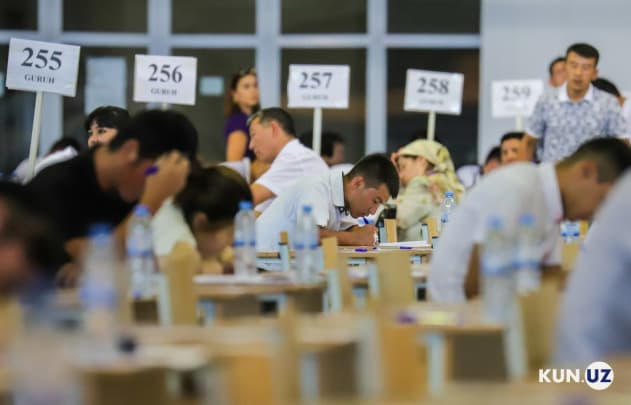
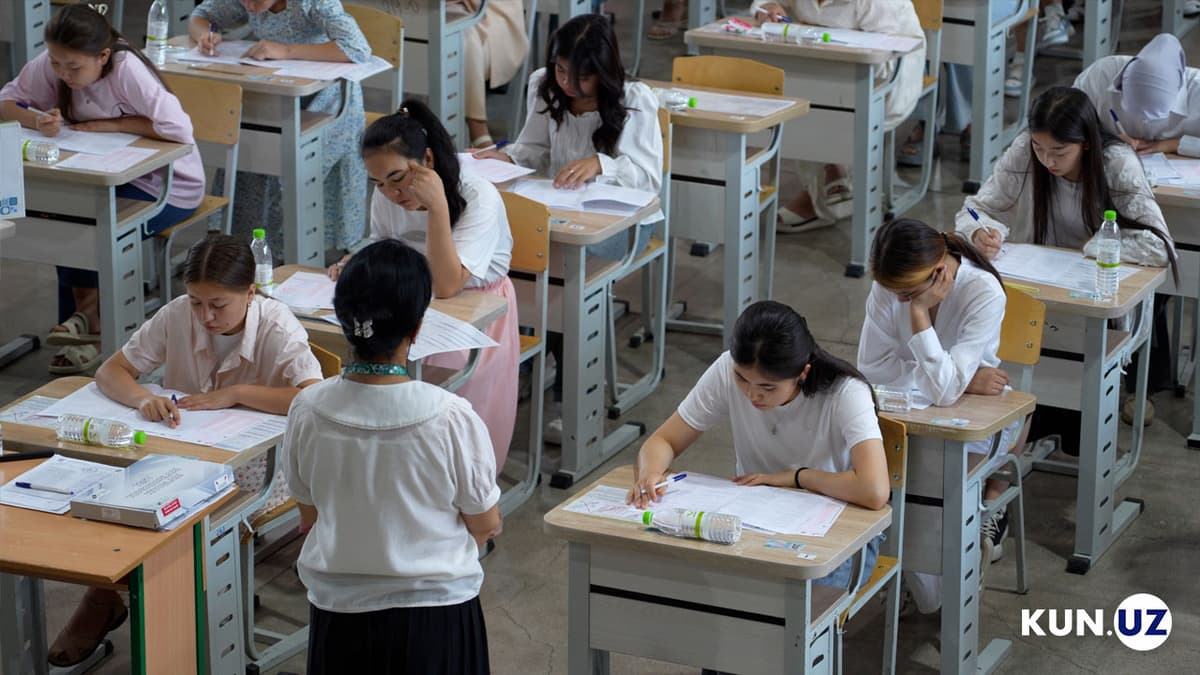
According to the Agency for Assessment of Knowledge and Skills, applicants who participated in the test can check their results through four different methods. In all cases, the Applicant ID indicated on the registration form or admission slip is required.
Four ways to check the results:
Via the my.uzbmb.uz website
- Go to the "Get Results" section.
- Enter your passport series and number, along with your personal identification number.
Via the mandat.uzbmb.uz website
- Enter your Applicant ID as shown on the registration form or admission slip.
Via Telegram bots by the Agency
- Send your Applicant ID (as shown on the registration form or admission slip) to any of the following Telegram bots:
- @bmba_natija_bot
- @bmba_natija_1bot
- @bmba_natija_2bot
Via SMS notification service
- Send your Applicant ID (as indicated on the registration form or admission slip) via SMS to 5100.
- You will receive your test results via SMS to the number you used (Note: service fees apply).