How to check debt with the Enforcement Bureau (MIB) in Uzbekistan
If you own an apartment, car, or any income-generating property, taxes and administrative obligations are inevitable. When payments are missed, information about the debt is transferred to the Enforcement Bureau (MIB), which may result in restrictions on leaving the country and the freezing of bank accounts.
Photo: Zolnierek / istock
Most people learn about their debt only at passport control. This guide explains how to check debt in advance and what to do if a debt is identified.
What is MIB?
According to Nasimkhon Burkhonov, head of a department at the Enforcement Bureau under the General Prosecutor’s Office:
The Enforcement Bureau is not a debt-collection agency. It ensures the final stage of justice — restoring violated rights and ensuring the enforcement of court decisions. It is a law-enforcement body responsible for the actual execution of judicial documents. For more.
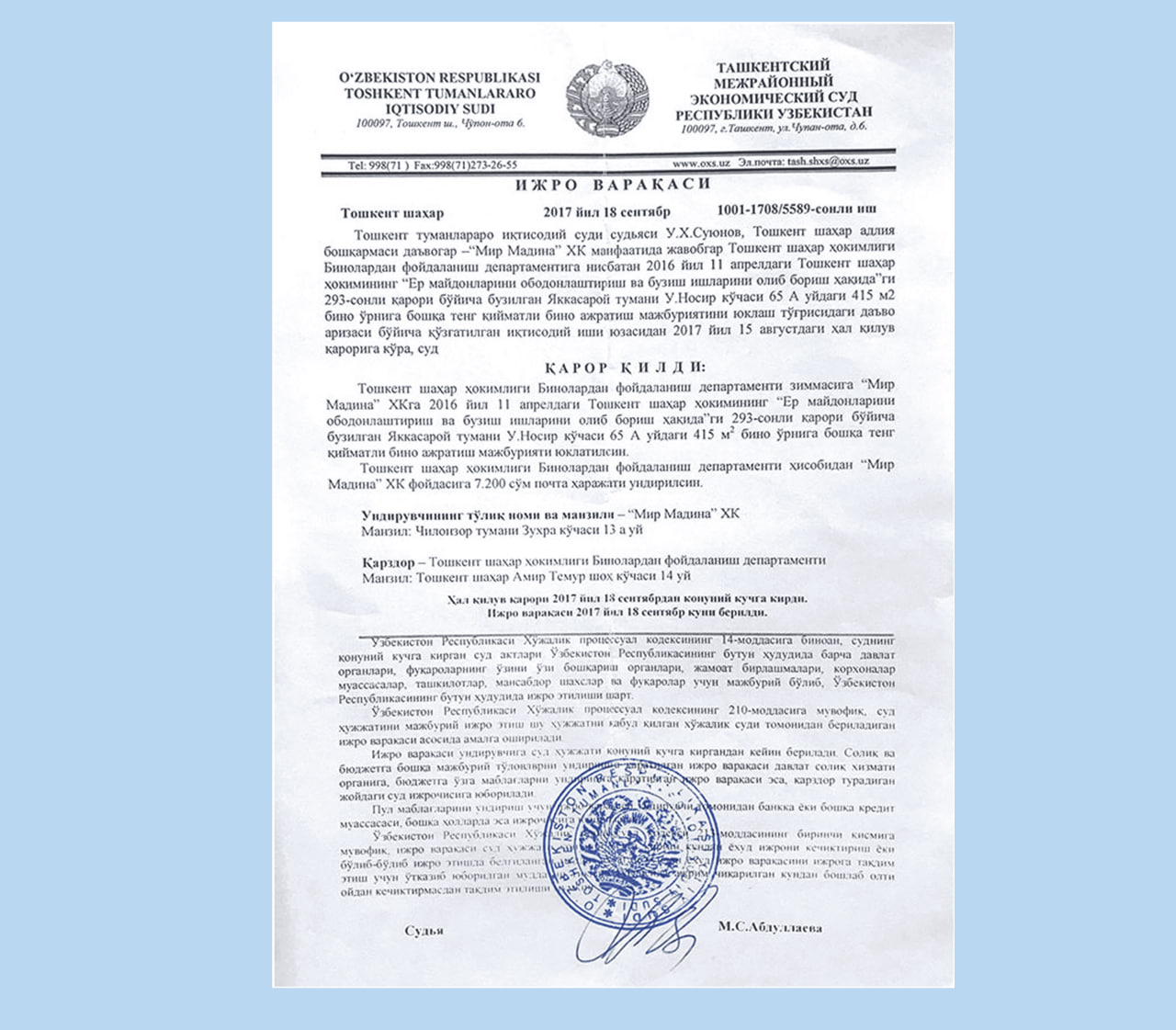
MIB’s task is to ensure the execution of issued decisions. The Bureau becomes involved only when an enforcement document is issued and enforcement proceedings are opened. Before that, MIB has no right to apply restrictions or compulsory measures.
What MIB is responsible for
MIB handles:
- collection of debts, fines, and alimony;
- placing restrictions and prohibitions on property;
- restricting the sale or re-registration of vehicles and real estate;
- enforcing non-financial decisions — for example, eviction, demolition, property transfer, or reinstatement at work.
MIB is not a punitive agency. Debtors are given time to comply voluntarily, and only if they fail to do so are compulsory measures applied.
Sometimes proceedings are completed without fines or restrictions. For example, in Mirzo Ulugbek district, MIB reviewed an alimony case in favor of a Cuban citizen. During explanatory work, the inspector clarified the parties’ obligations and possible consequences. The couple reached a mutual agreement, reconciled, and the case was closed. More here.
Thus, MIB’s goal is not to punish, but to ensure compliance with the decision — sometimes without strict measures.
How to check debt with MIB
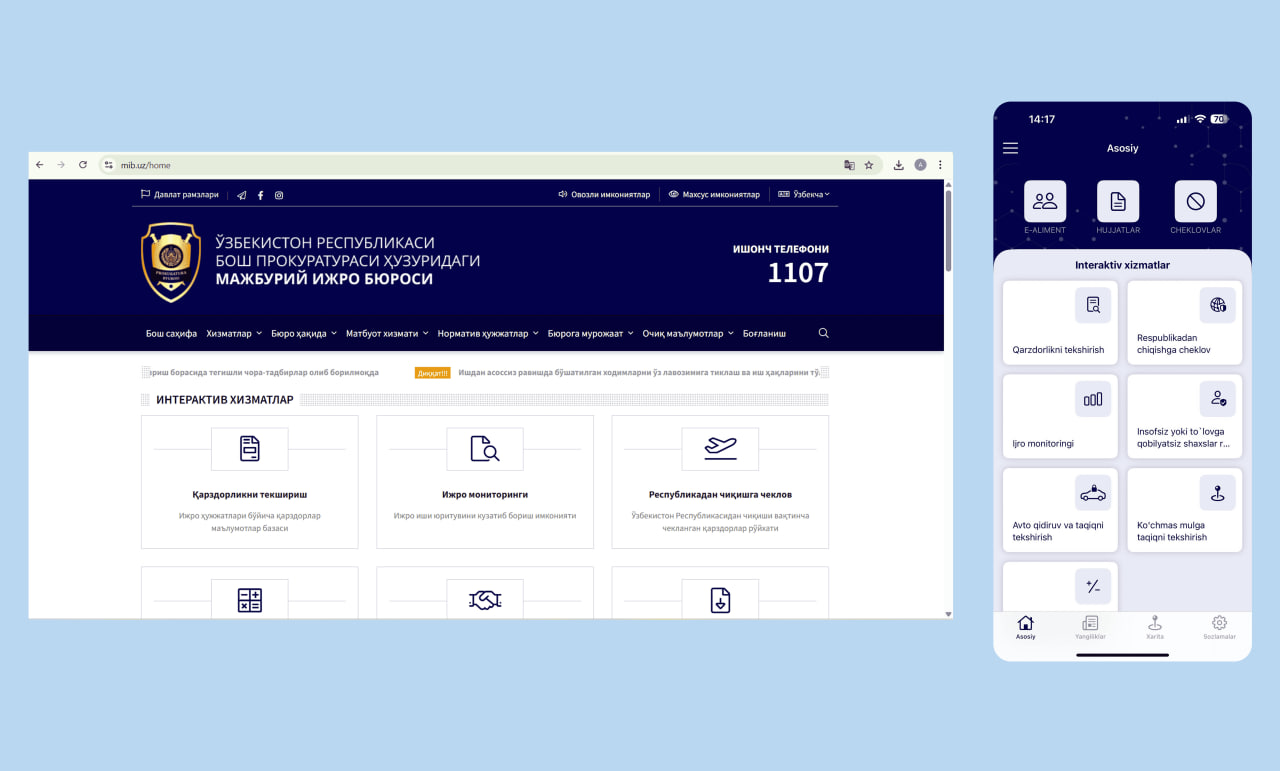
Debt and restrictions can be checked in several ways. All methods use MIB’s official database and display the latest available information.
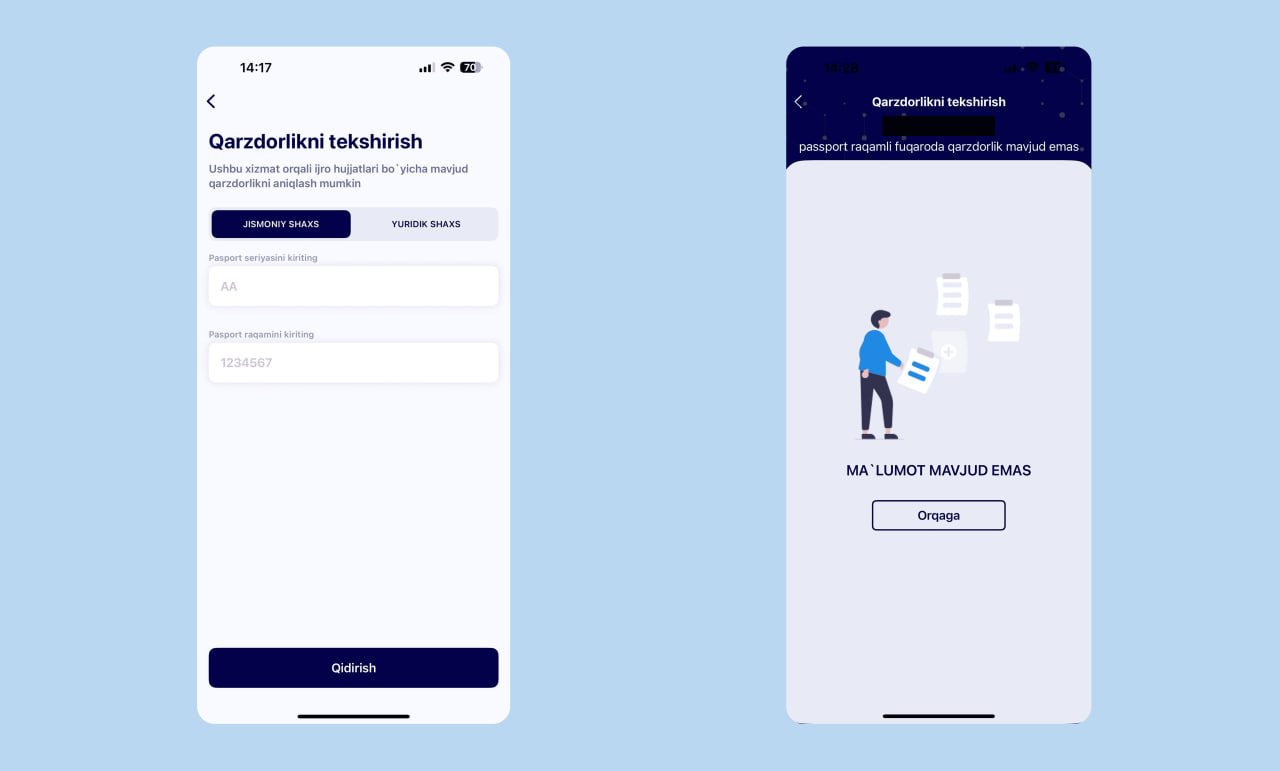
MIB official services — website and mobile app
The easiest way is to use the official tools:
- mib.uz website
- MIB.UZ mobile app
These services allow you to check:
- whether there is debt;
- whether there is a travel restriction;
- whether there is a restriction on a vehicle or real estate;
- information about the assigned enforcement inspector.
To check, you must enter your PINFL or passport details.
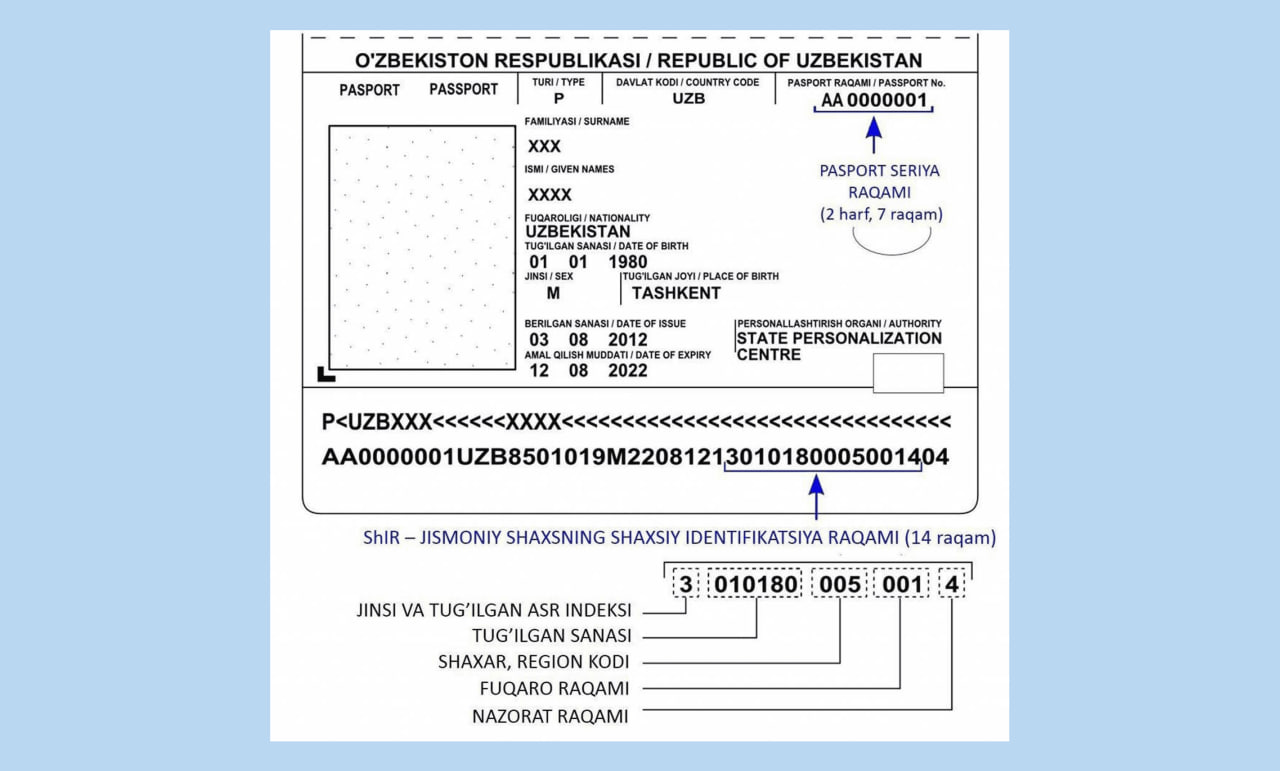
The PINFL (Personal Identification Number) consists of 14 digits and is assigned to every citizen and resident of Uzbekistan. It is shown in the biometric passport and ID card and used across all government e-services.
Registration on the website is not required. In the mobile app, you must confirm your phone number via SMS.
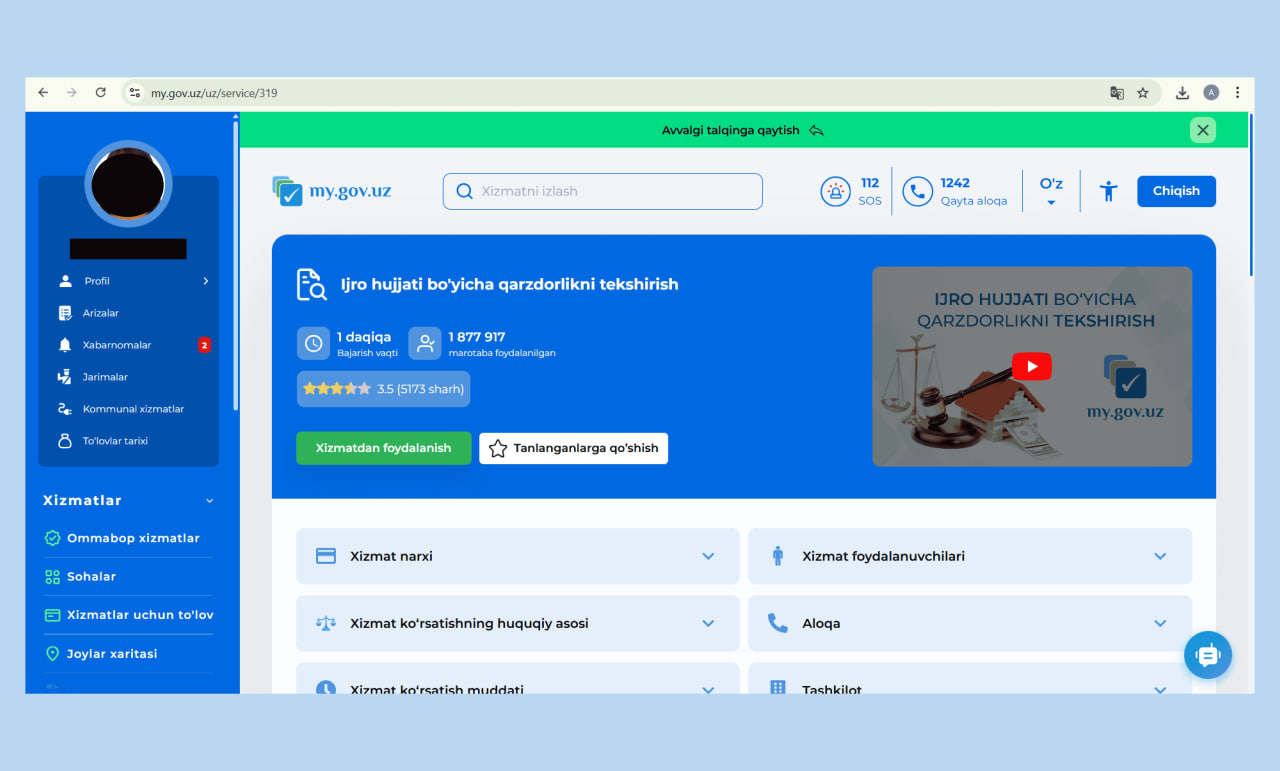
Through the my.gov.uz government services portal
The my.gov.uz portal is integrated with the MIB database. Log in via OneID or MyID and find the service for checking enforcement documents.
The system automatically generates a response. You can also pay the debt and enable notifications about new enforcement cases.
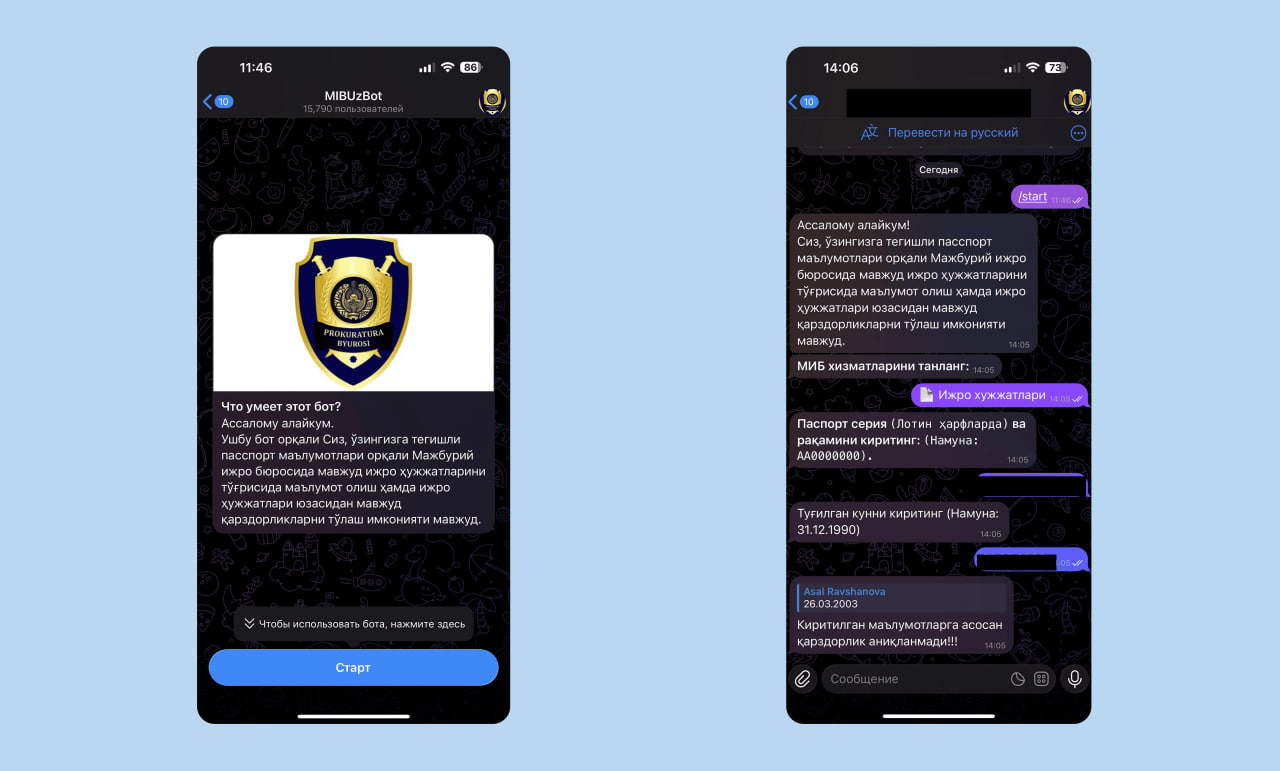
Through the MIB Telegram bot
Debt can also be checked using the official Telegram bot @mibuzrasmiy_bot.
You will need to enter your passport details and date of birth.
The bot displays all enforcement cases related to the user.
Visiting the MIB office in person
If online access is unavailable, you can visit the district or city branch of MIB with your passport. The staff will check whether any debt or restrictions exist.
How to pay MIB debt
Debt can be paid in several ways. Once payment is received, the case officer closes or suspends the enforcement proceeding.
Payment details can be viewed through:
- mib.uz website;
- MIB.UZ mobile app;
- my.gov.uz portal;
- payment apps when selecting MIB services.
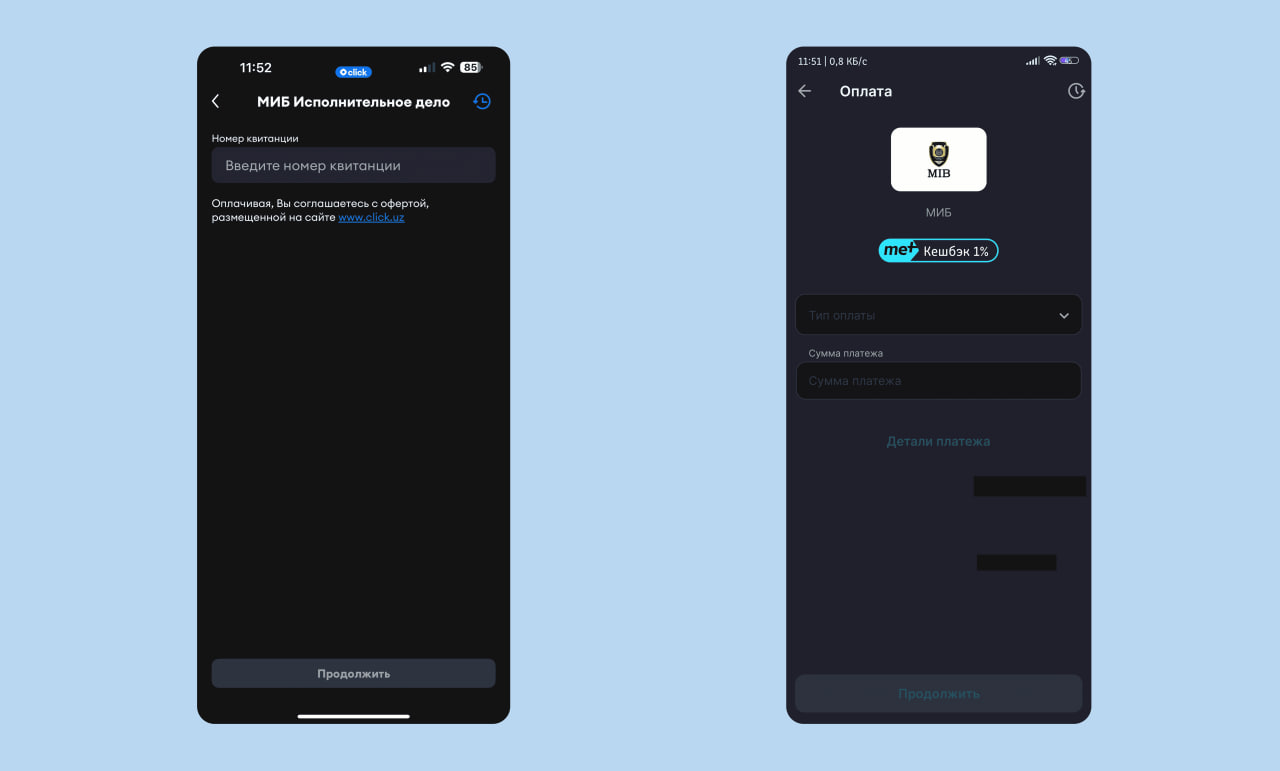
Paying via mobile payment apps
The most common option is to pay through Payme or Click.
Select the government services or MIB section, enter the enforcement case number or passport details, and confirm payment.
An electronic receipt has the same legal force as a paper one. You do not need to bring it to MIB — payment is transmitted automatically. Keep the receipt until the debt status is fully updated.
Paying through my.gov.uz
After checking the debt on my.gov.uz, a “Pay” button appears. Payment can be made via bank card or e-wallet. The commission depends on the payment method.
Paying through the MIB.UZ mobile app
After checking debt in the app, the list of outstanding payments appears. Select the debt you want to pay and proceed with the transaction.
Paying through a bank or terminal
Debt can also be paid at any bank or terminal using the details provided in the enforcement decision. In this case, it is important to keep the paper receipt.
Salary deduction
If the debtor is formally employed, MIB may send the enforcement document to the employer. The accounting department then deducts part of the salary and transfers it to the claimant according to the law.
Remember
- MIB only handles debts for which an enforcement document exists.
- Debt can be checked online through official services.
- Debt can be paid via Payme or Click.
Related News
16:42 / 17.02.2026
How to get an international passport in Uzbekistan
19:06 / 12.02.2026
Uzbekistan’s currency gains nearly 7% against dollar, easing external debt payments
13:24 / 12.02.2026
Thousands barred from paying for electricity over allegedly unjustified waste collection debts
17:37 / 11.02.2026